

AI-powered conversational search like Perplexity.ai has gained significant traction as a more natural and smarter alternative to Google search. The secret sauce is the innovative approach in leveraging state-of-art GenAI technology for more personalized and contextually relevant search results, alongside its conversational answer engine and AI-powered search tools.
However this new and powerful AI-powered search experience from Perplexity.ai applies only to public data on the internet. What if you want such a great experience for your own enterprise or personal data?
Today, we are thrilled to announce Epsilla Smart Search — a Retrieval-Augmented Generation powered search app to bring a Perplexity-like search experience for your own data in just 10 minutes. Below is a concrete example.
Example: Smart Search App on RAG Research Papers
If the year 2023 was all about the rise of large language models (LLMs), then 2024 will be all about retrieval-augmented generation (RAG) to make LLM work for your own data. This is evident by the fact that more than 150 research papers on RAG have already been published since the beginning of 2024. To keep my knowledge updated and share a comprehensive overview to those in my professional network interested in this topic, I am going to create a smart search app on Epsilla Cloud dedicated to the full collection of these research papers, in a simple 1–2–3 steps:
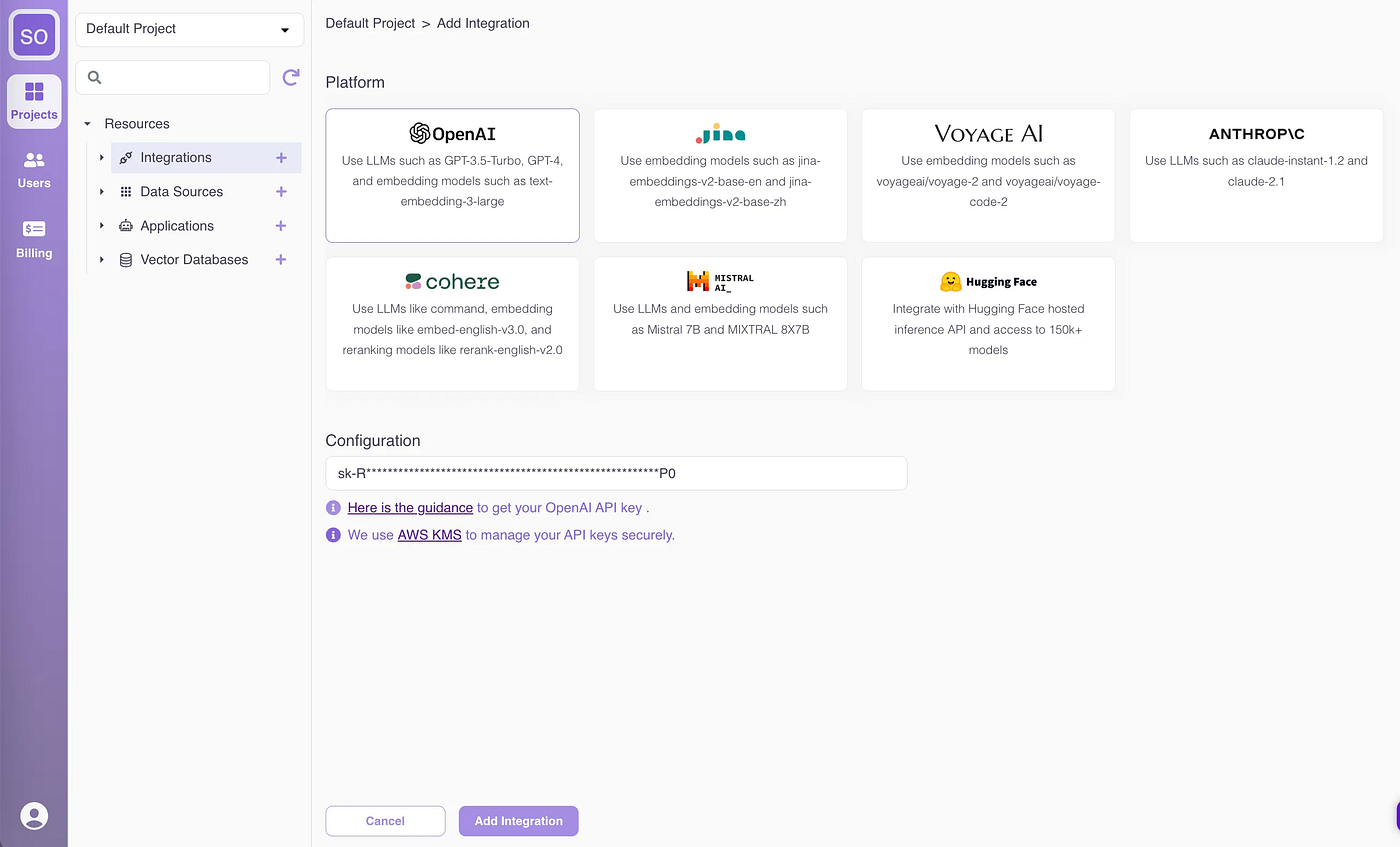
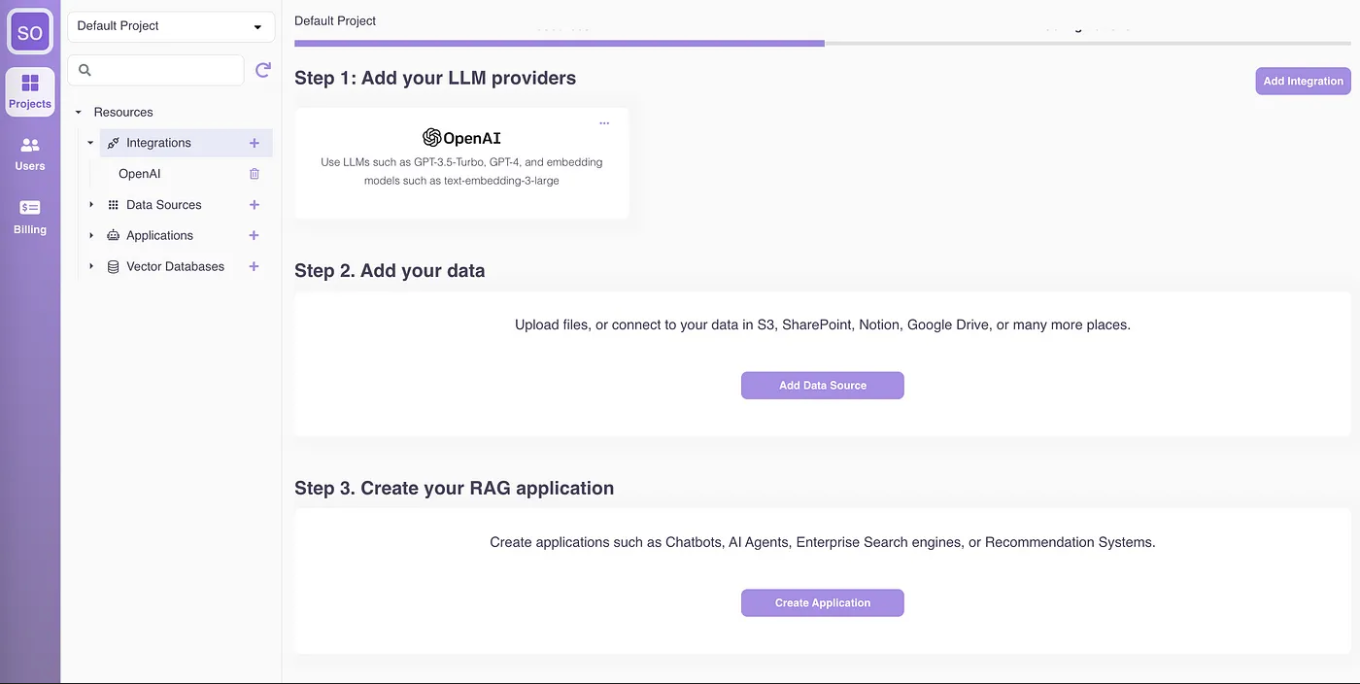
Step 1. Connect with my LLM provider
With Epsilla Cloud, I have the flexibility to choose any LLM of my choice: open-source, closed-source, or self-hosted LLM. I will use OpenAI today.
Step 2. Add my data
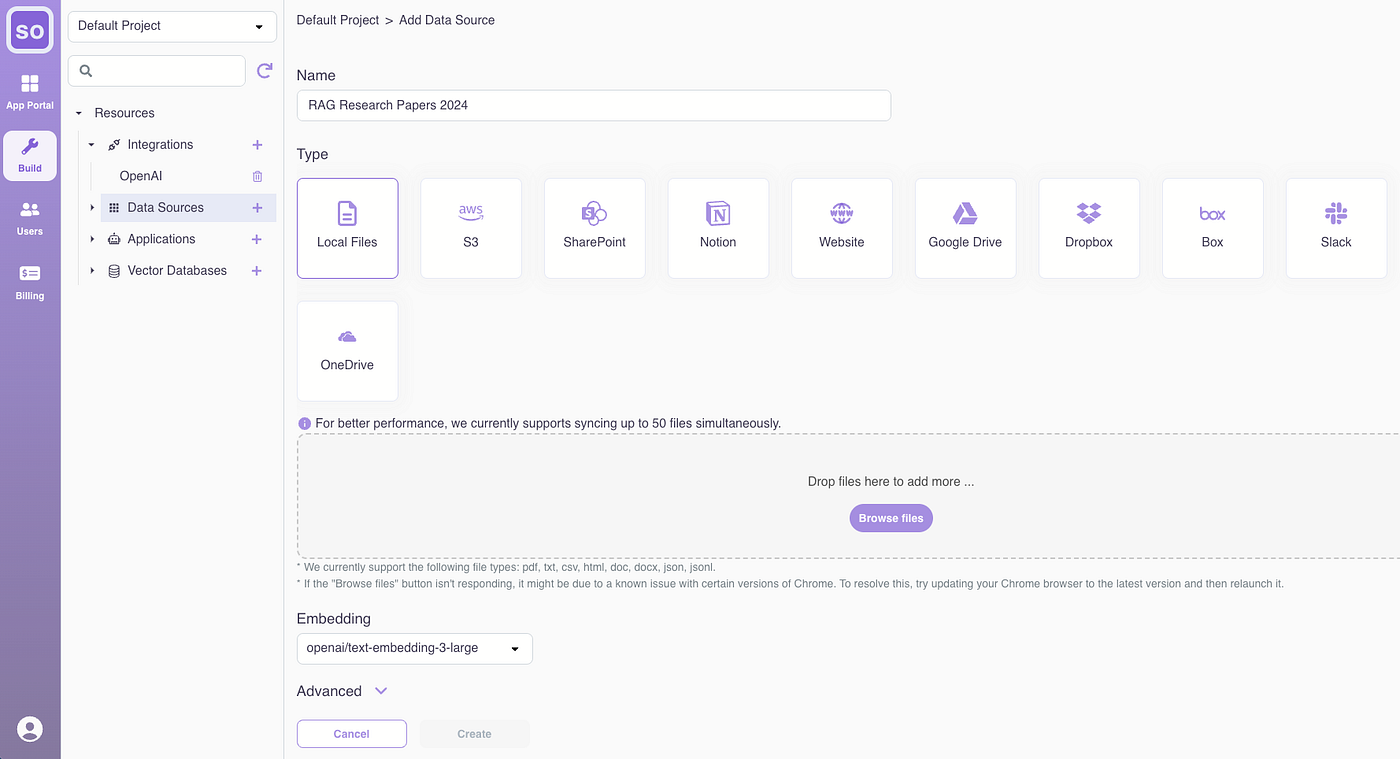
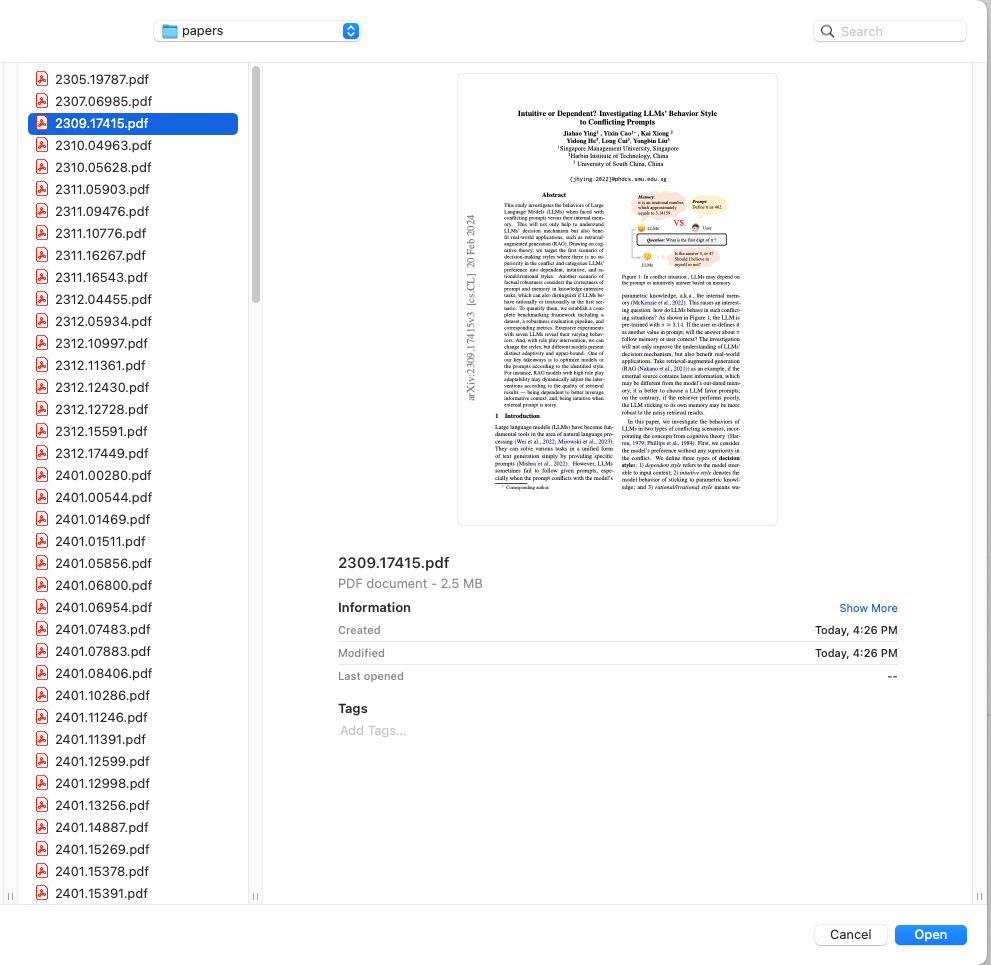
To create the source for the smart search app, I am going to upload more than 150 research papers about RAG published since 2024:
Since I downloaded all the papers as PDFs, I will upload them through the local file data source. You can also connect with SharePoint, Notion, websites, and many other types of data sources.
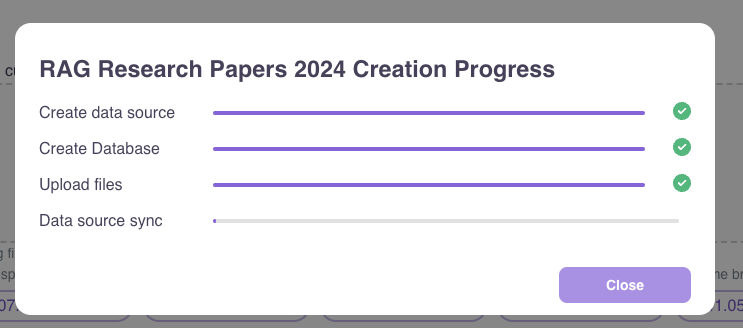
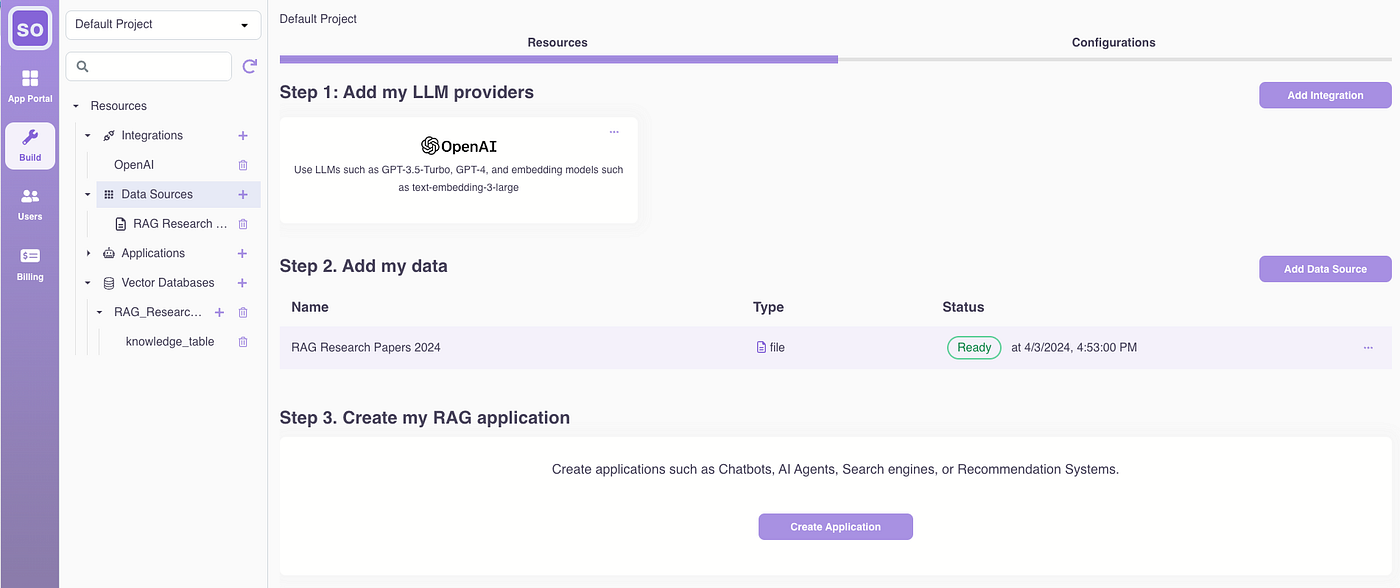
Note: In addition to default settings to meet most people’s needs, Epsilla Cloud also provides customizable options for advanced data loading, chunking, and embedding to enhance the quality of the semantic search index on your data. We will publish a series of follow-up articles to discuss these.
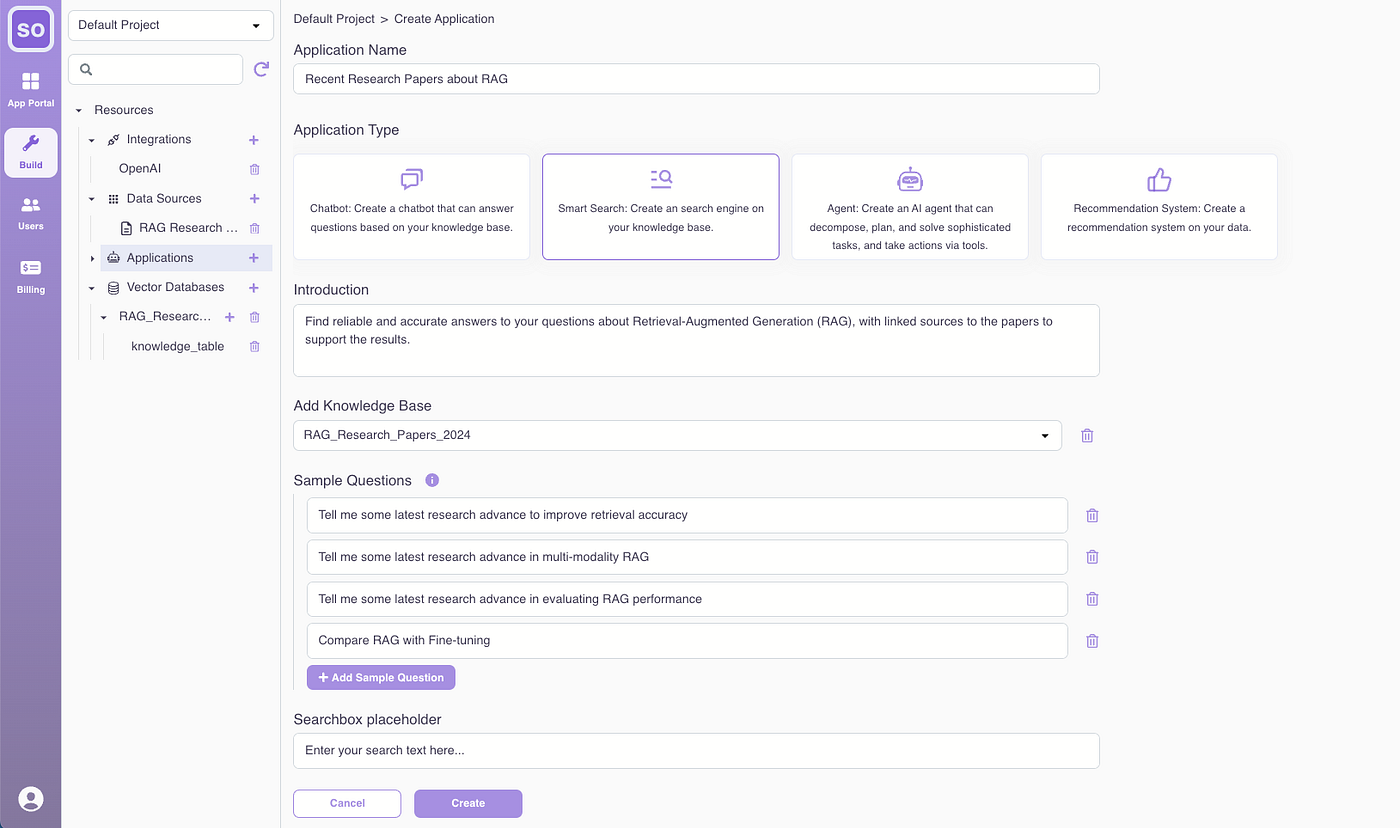
Step 3. Create the topic search app
Give the new smart search application a name: Recent Research on RAG.
For the application type, choose Smart Search.
Adjust the introduction if needed to make it easier for others to find: Find reliable and accurate answers to your questions about Retrieval-Augmented Generation (RAG), with sources linked to the papers supporting the results.
And provide some sample search questions to get user started:
- Tell me about some recent research advances to improve retrieval accuracy.
- Tell me about some recent research advances in multi-modality RAG.
- Tell me about some recent research advances in evaluating RAG performance.
- Compare RAG with fine-tuning.
Optionally, provide a logo for the search app to complete the app definition.
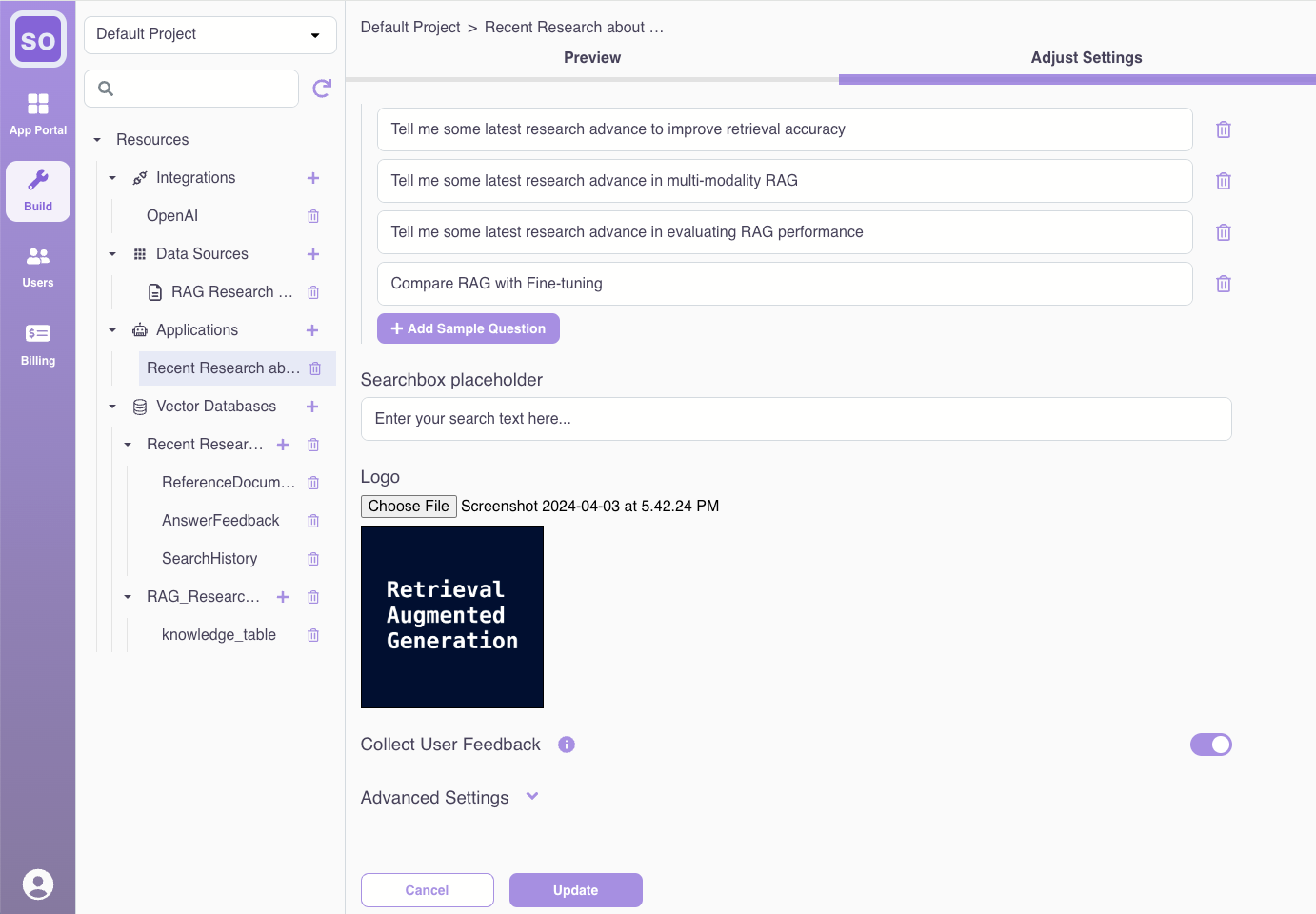
Note: In addition to default settings applicable to most common needs, Epsilla Cloud also offers advanced configurations for prompt engineering, query rewriting, and advanced knowledge retrieval and reranking techniques to refine and improve search result quality. We will publish a series of follow-up articles to discuss these.
Click “Create” to bring the search app online.
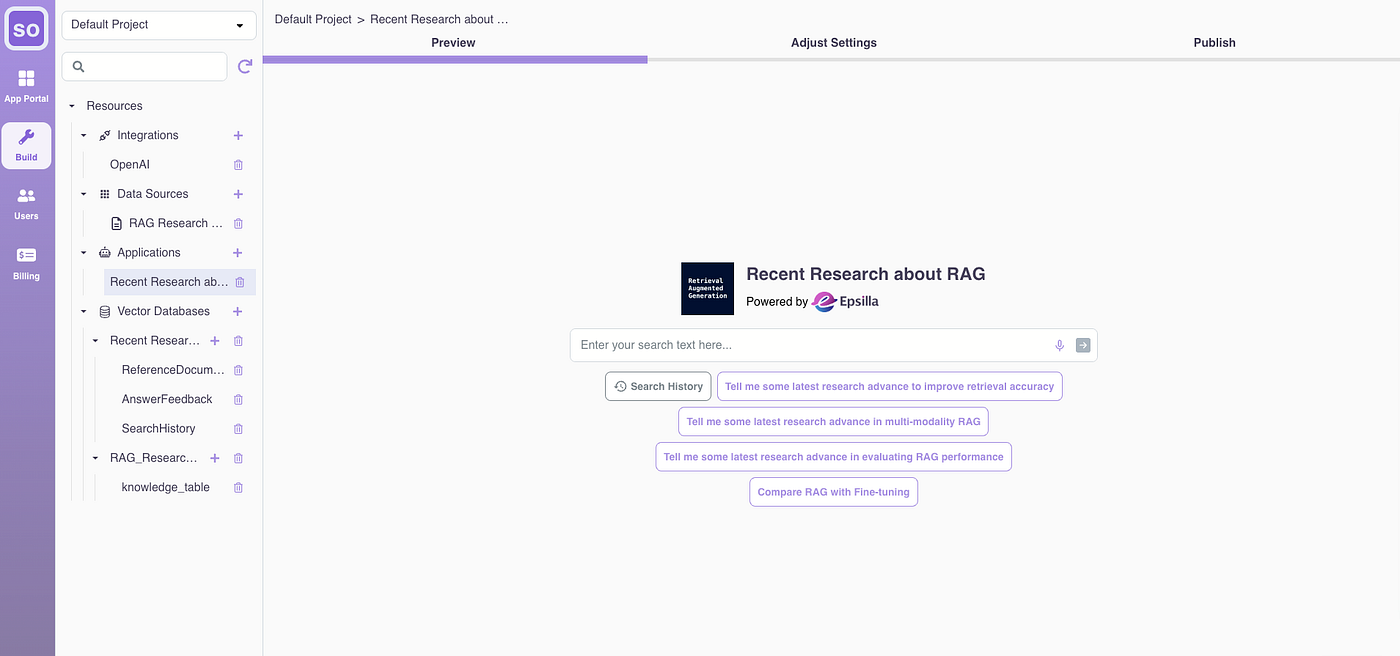
Now, my RAG topic search app is ready for use. Give it a try:
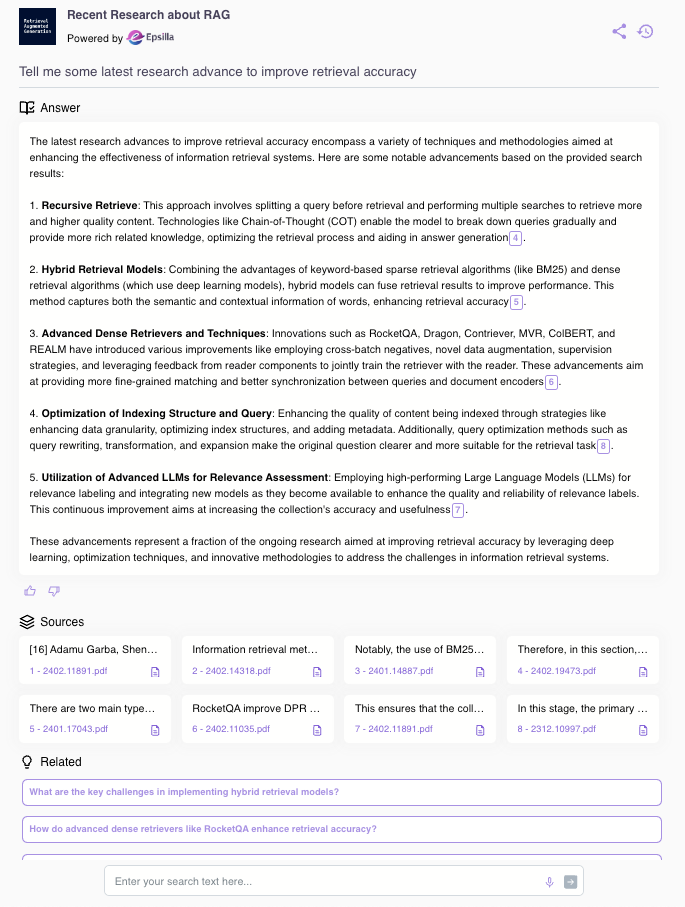
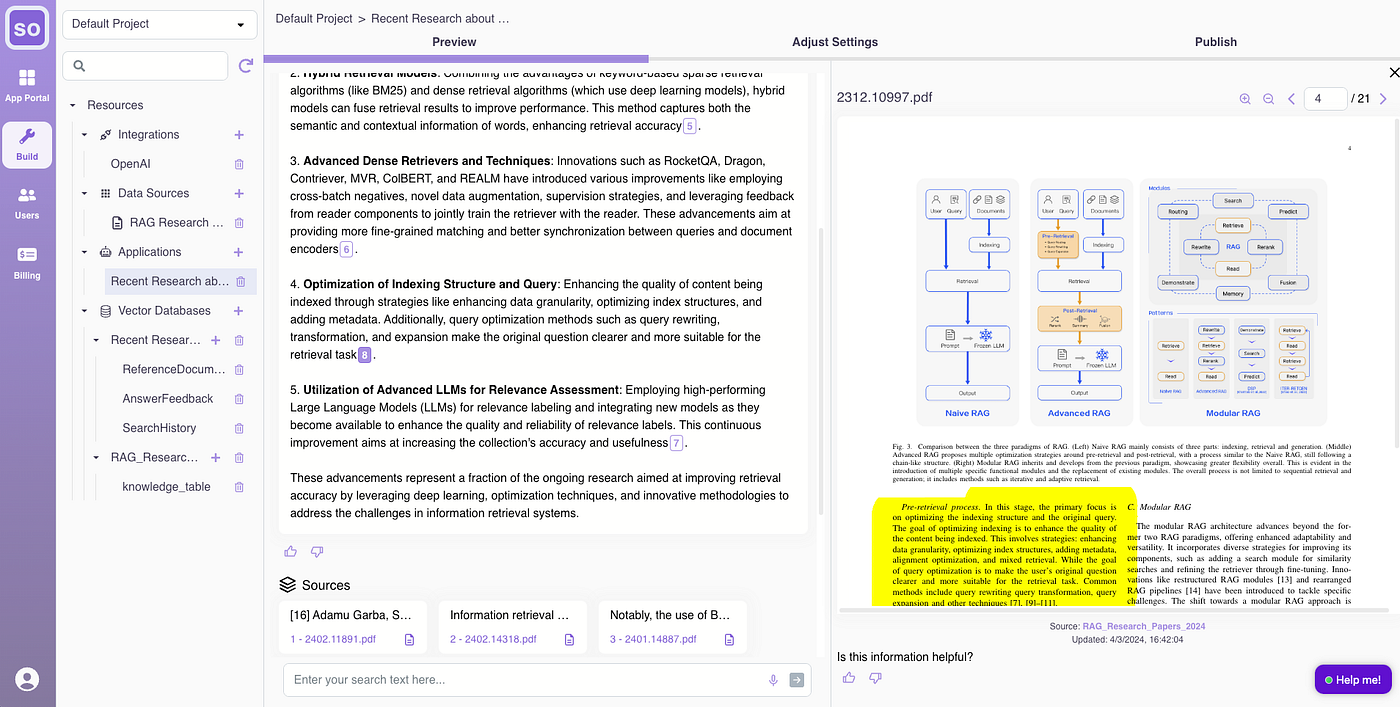
As you can see , the smart search app not only provides a very informative answer to my question but also shows references indicating which paper supports the answer. I can click on the references and verify it from the original section of the paper.
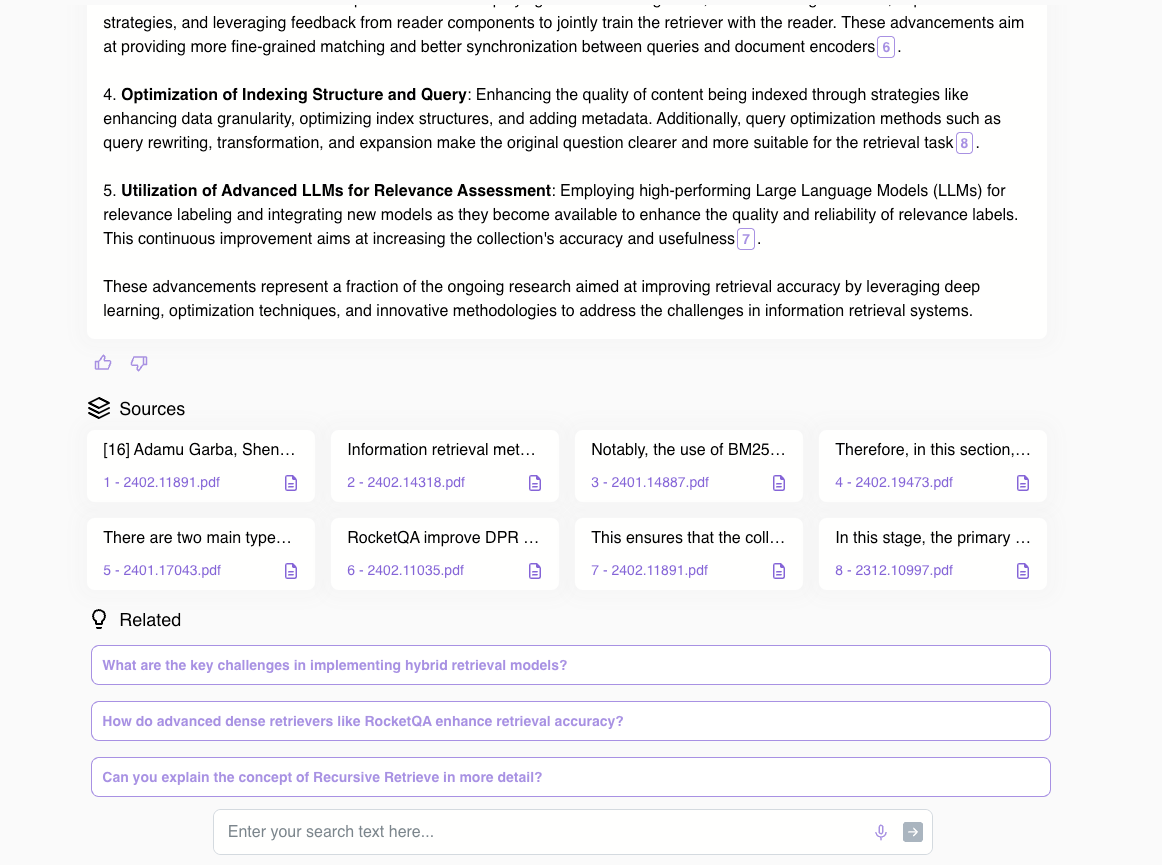
I can also continue my research by delving deeper into related questions that are automatically suggested for me:
Once I am happy with the RAG topic search app, I can publish it and share it with my friends, family, and colleagues by allowing all Epsilla Cloud users to access it:
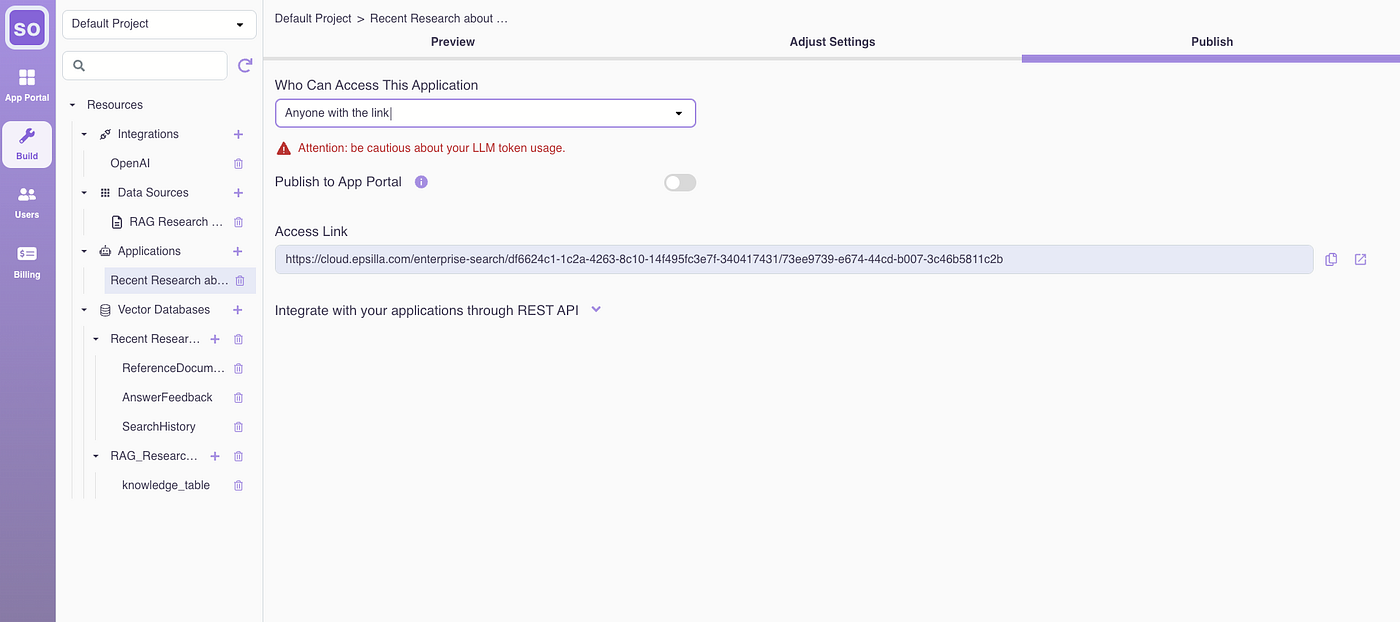
Hooray! We’ve just launched a Perplexity-like search app grounded with our own uploaded data! The whole process lasted only 10 minutes, with most of the time spent in uploading more than 150 files and getting them indexed by Epsilla’s own innovative vector database engine.
Please try the search app out at https://tinyurl.com/47wy2v79 to learn about the latest research progress on RAG. If interested, you can try to create your own smart search app there as well after you sign up for free. Please let us know how it works for you.